Published November 29, 2025
GPT-5.1 vs Gemini 3.0 vs Opus 4.5: which one should creative people care about?
A practical guide to choosing the right AI model for your creative workflow
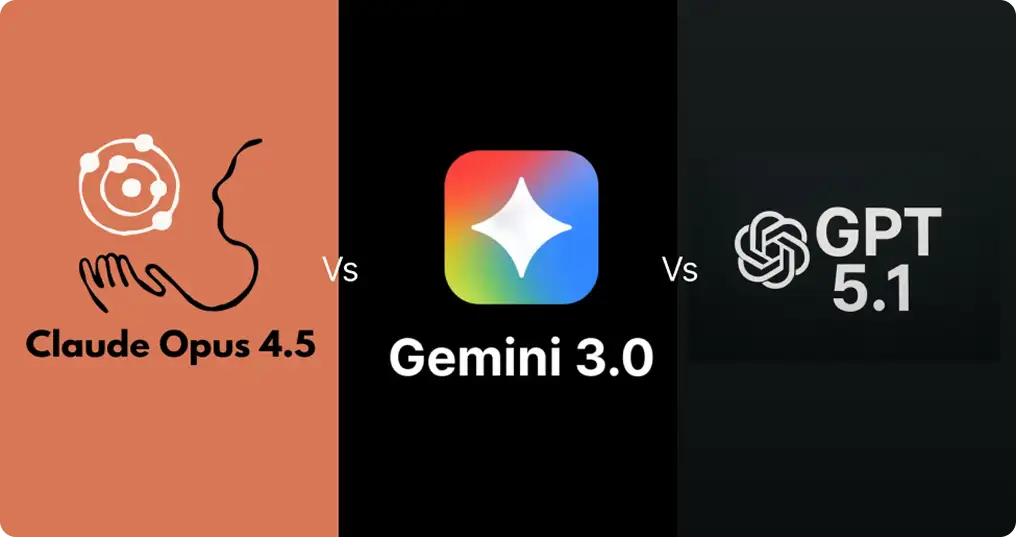
If you use AI for idea generation, storytelling, visuals, or building creative prototypes, the new wave of models from OpenAI, Google DeepMind, and Anthropic all nudge the bar forward, but they each do it in distinct ways. Below I'll walk you through what each tends to feel like when you use it for creative work, what they're strongest at, how they differ in collaboration and editing, and practical tips for choosing one depending on the creative task at hand.
Quick snapshot
GPT-5.1
Feels like a fast, conversational creative partner that adapts tone and stays coherent across long threads — great for brainstorming, drafts, and iterative revision.
Gemini 3.0
Leans into multimodal imagination and deep reasoning — especially strong when you want visuals, prototypes, or models that combine text, code, and images.
Opus 4.5
Anthropic's push toward smarter agentic behavior and strong coding/compositional skills makes it powerful for complex creative workflows where the AI needs to act, remember, and iterate across documents, slides, or projects.
Reading between the lines — what "creative" actually means with these models
When I say "creative," I mean tasks where novelty, coherence, and a useful voice matter: idea sprints, drafts of stories and scripts, rewriting to hit a mood, building moodboards or rough visual mockups, composing music prompts, inventing products or UX copy, and collaborating on multi-step creative projects (like a slide deck + narrative + code prototype). Each model brings a different creative temperament:
GPT-5.1 — the conversational editor and iterating friend
If your creative flow is a back-and-forth (idea, tweak, rework, polish) GPT-5.1 is tuned to stay conversational and adapt tone. It's built to hold a thread and remember the feel you want across many turns, and the new release emphasizes smoother, faster reasoning and better contextual continuity, which matters when you want consistent characters, a sustained POV, or a serialized tone across a campaign.
What that feels like in practice:
Start with a raw prompt: a logline or a few paragraphs. GPT-5.1 can expand that into multiple scene beats or different voice takes with minimal squinting.
Want a different mood? Ask it to "make it tenser, keep the character the same" and it usually nails the continuity.
It's easy to use for iterative scripts, marketing copy, and long-form drafts where a consistent narrator is key.
Gemini 3.0 — the multimodal ideation engine
Generate multiple design directions from a single concept sketch or brief.
Ask for wireframe copy plus suggested color and layout ideas; you can lean on Gemini to suggest plausible visual scaffolding.
It's also being positioned for more agentic workflows (tool-calling, chaining actions), so it's handy if your creative process includes automated steps.
Opus 4.5 — the "build the project for you" creative partner
Tell it your project brief and let it orchestrate steps: draft, research, put together slides, and produce an action checklist.
It's useful when creativity is production-heavy, e.g., producing a marketing campaign where assets across formats must be created and linked.
Because of stronger memory and agenting, it's better at "remembering" constraints and preferences across sessions.
Head-to-head on typical creative tasks
1) Brainstorming and seed ideas
GPT-5.1: fast and flexible. Great for divergent idea lists and quick tone experiments. Use it to produce many raw options, then refine.
Gemini 3.0: adds extra richness by imagining visuals along with the ideas.
Opus 4.5: gives ideas and also suggests how to execute them as part of a larger plan.
2) Long-form storytelling and consistency
GPT-5.1 wins for sustained voice and long-thread coherence. It’s tuned for continued conversation and consistent narrative tone.
Gemini 3.0 is solid, but its strengths are more multimodal; it can help illustrate scenes, though purely textual long-form is often more of GPT’s comfort zone.
Opus 4.5 can help structure serialized content and maintain constraints across many outputs, useful for serialized transmedia projects.
3) Visual and layout-focused creative work
Gemini 3.0 leads. If your creative brief includes images, layouts, or prototype ideas, Gemini’s multimodal reasoning gives detailed, relevant suggestions.
GPT-5.1 can suggest visual concepts in text well, but it’s not primarily a multimodal engine in the same integrated way.
Opus 4.5 can tie visual tasks into the broader project steps, e.g., generating a slide and then creating speaker notes and task lists to finalize it.
4) Prototyping and “build it” creative work
Opus 4.5 is notable for agentic capabilities — it’s pitched to carry out multi-step tasks and retain context. That’s gold when creative work is also production work (slides, code scaffolds, automation).
Gemini 3.0 supports building prototypes especially where visuals and code intersect (design-to-code workflows).
GPT-5.1 is excellent at writing and iterating code snippets and copy, and at guiding a human through steps; its strength is in dialogue-driven iteration.
Safety and guardrails
All three companies are pushing updates to make their models safe and consistent with responsible use. Sometimes this means the model stays careful about certain topics, especially when a request is sensitive or potentially harmful. It is simply something to keep in mind when you want very edgy or boundary pushing creativity.
How to choose depending on your project
Use GPT 5.1 when you want smooth writing, idea variation, and consistent storytelling.
Use Gemini 3.0 when you want help with visuals, design, or any task that mixes images and text.
Use Opus 4.5 when your creative idea needs to evolve into a structured project with many parts.
A few example workflows
Short film concept
Use GPT 5.1 to shape the narrative.
Use Gemini 3.0 for visual style suggestions and moodboards.
Use Opus 4.5 to assemble the pitch deck, shot list, and production plan.
Landing page for a new product
Use GPT 5.1 for the headline options and tone exploration.
Use Gemini 3.0 to propose layout ideas and image themes.
Use Opus 4.5 to organize everything into a ready to deliver set of assets.
Final thoughts
The biggest shift I see is this: these models aren’t just getting “smarter” on single responses — they’re getting better at chaining work together and aligning to different creative temperaments. For one-off imaginative sparks, GPT-5.1’s conversational strength is lovely. For anything that needs to think visually or bridge design and copy, Gemini 3.0 pulls ahead. And when your creative work becomes a project that needs real execution and memory, Opus 4.5 starts to feel like an assistant that can run parts of the job for you.
Don’t think of this as an either/or. Think of it as choosing the right collaborator for the task. Draft with the model that keeps your voice steady, prototype with the tool that understands visual thinking, and hand off execution to the one that can orchestrate and remember. Use each for what it does best, and your creative output will get not just faster, but more consistently interesting.
Related posts
See all posts